

 @Wandering Corner
Create stunning videos with Seedance AI video generator in seconds. Start with text or an image, and bring your story to life with Seedance advanced model. No editing experience needed.
0 / 30000
Find a scene that sparks an idea, then adapt its prompt for your own Seedance video.
@Wandering Corner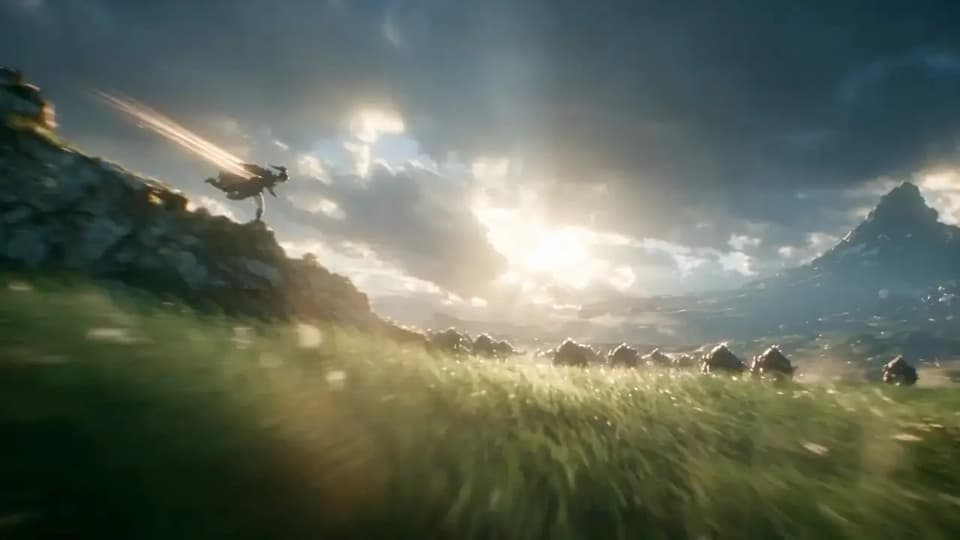
 @Arvin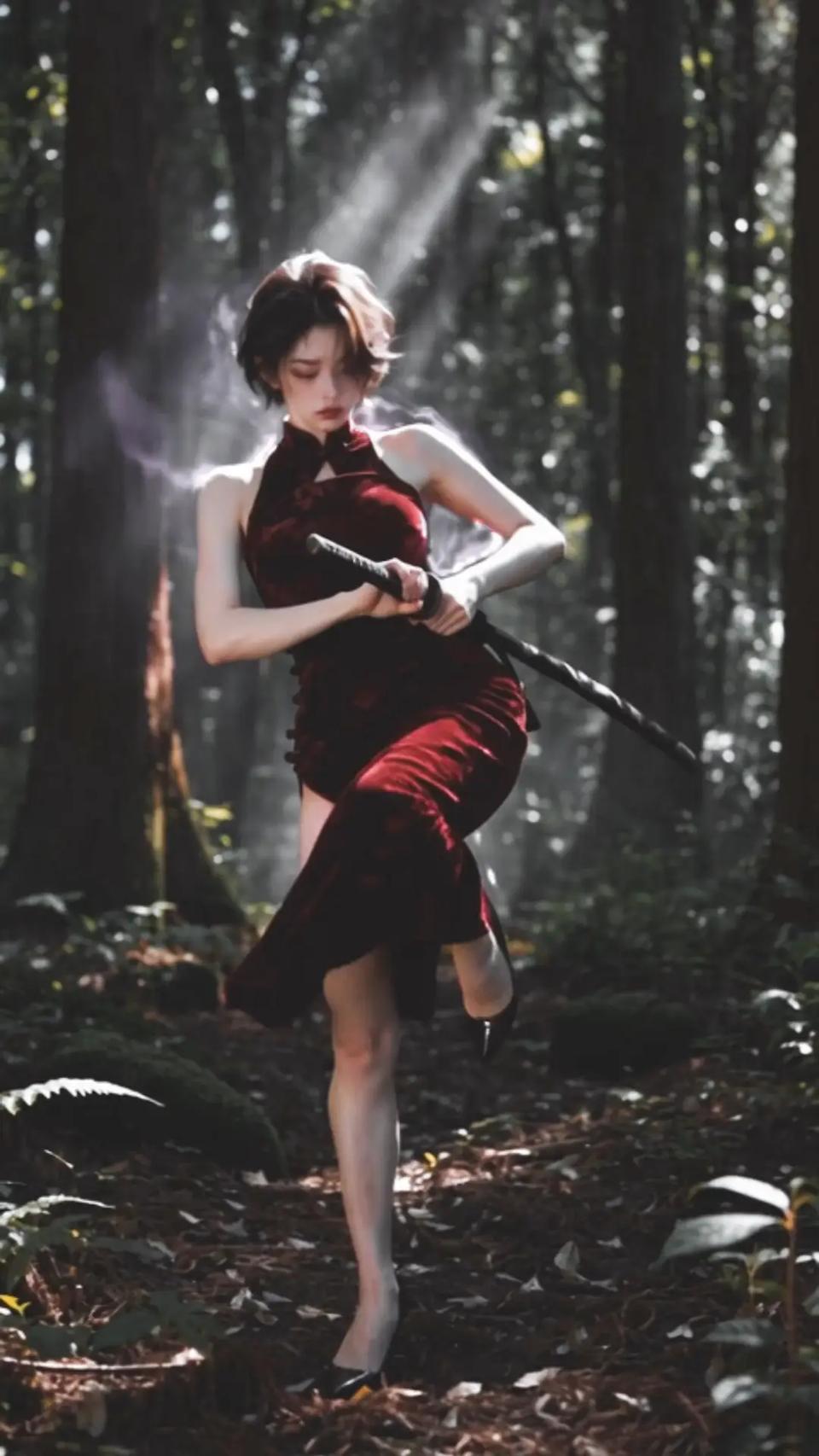
 @古一
@古一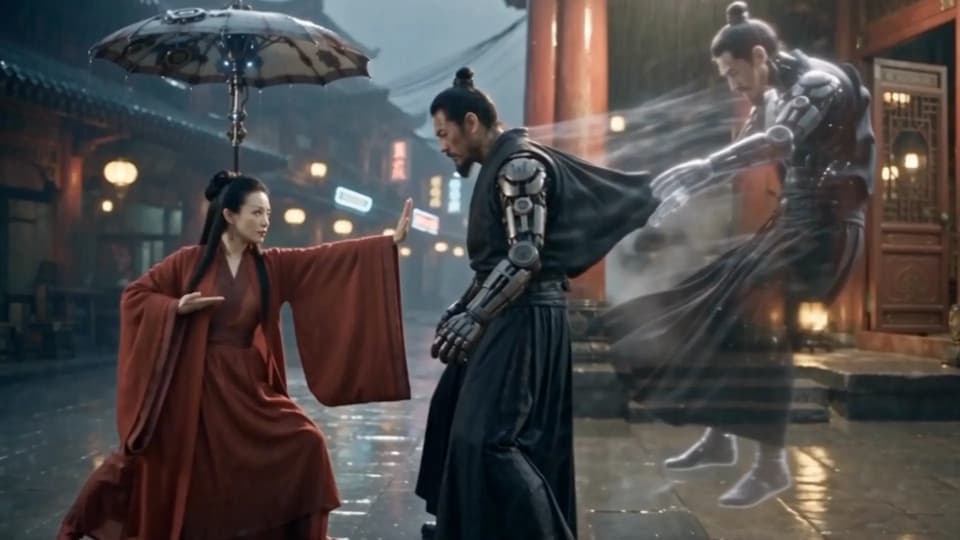
 @探路AI
@探路AI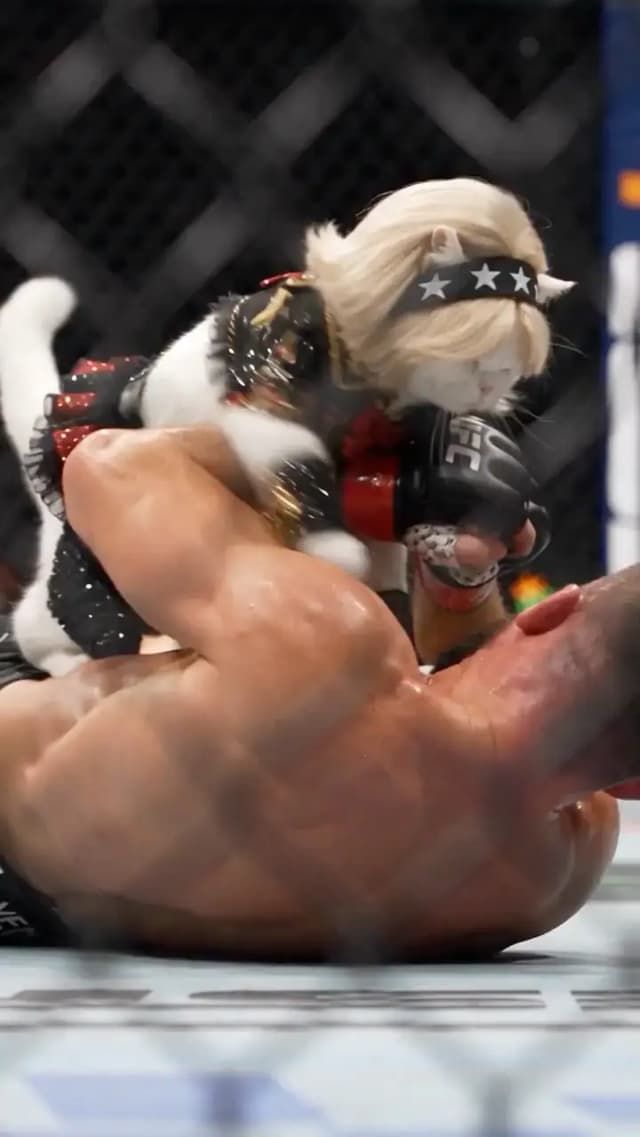
 @kaen_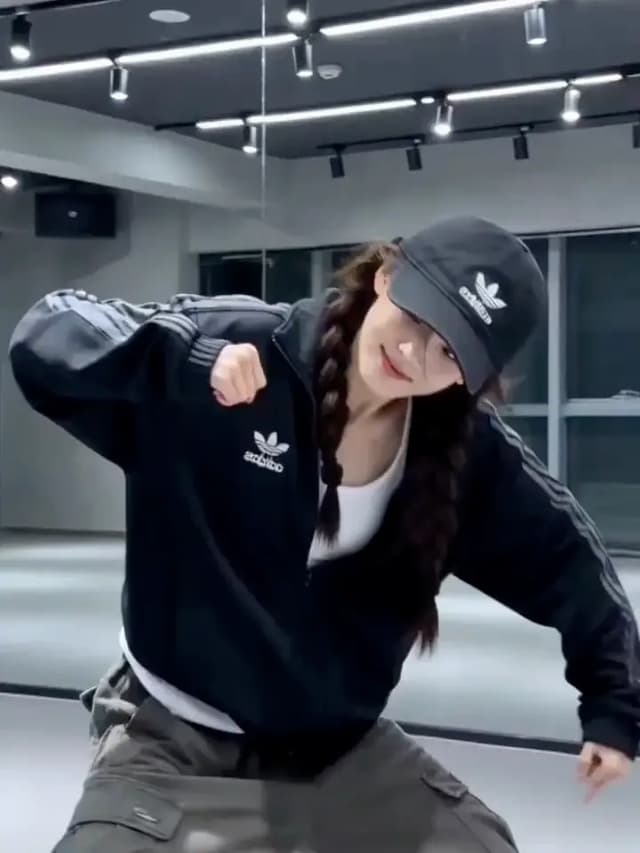
 @Shinning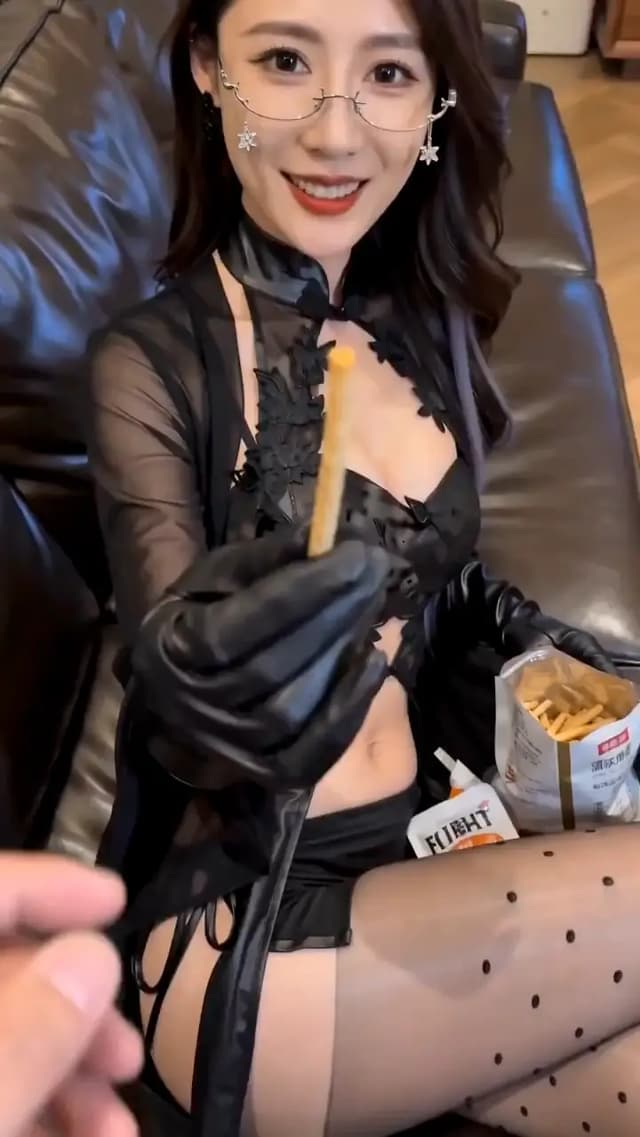
 @John
@John
 @Al-Shamus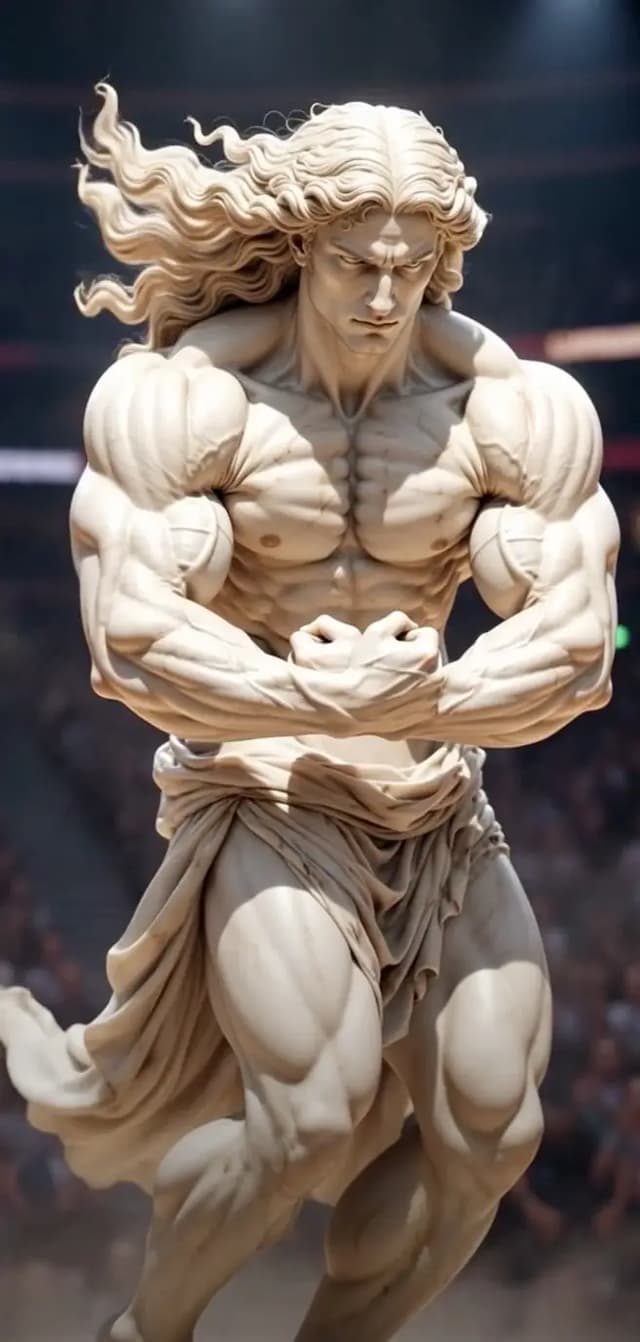
 @Mr. Savistarz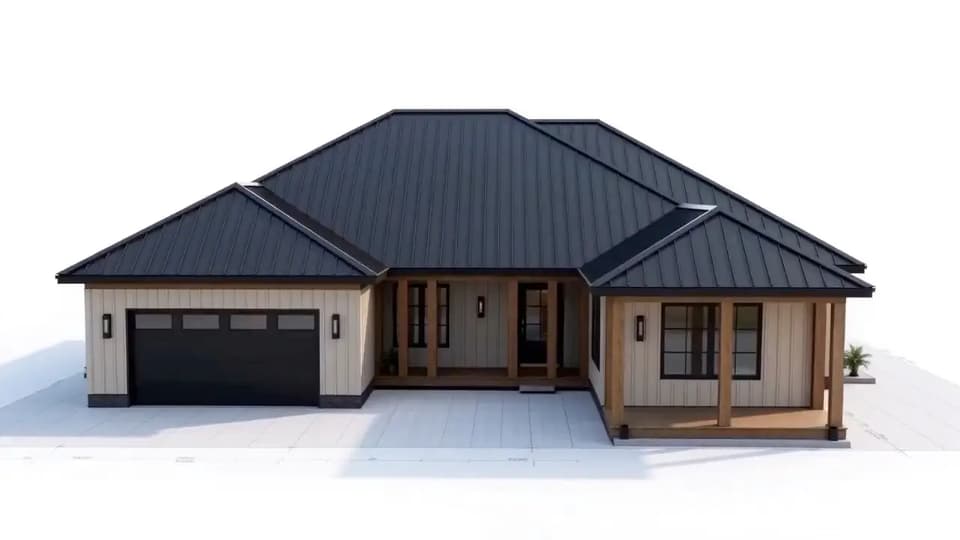
 @Keskin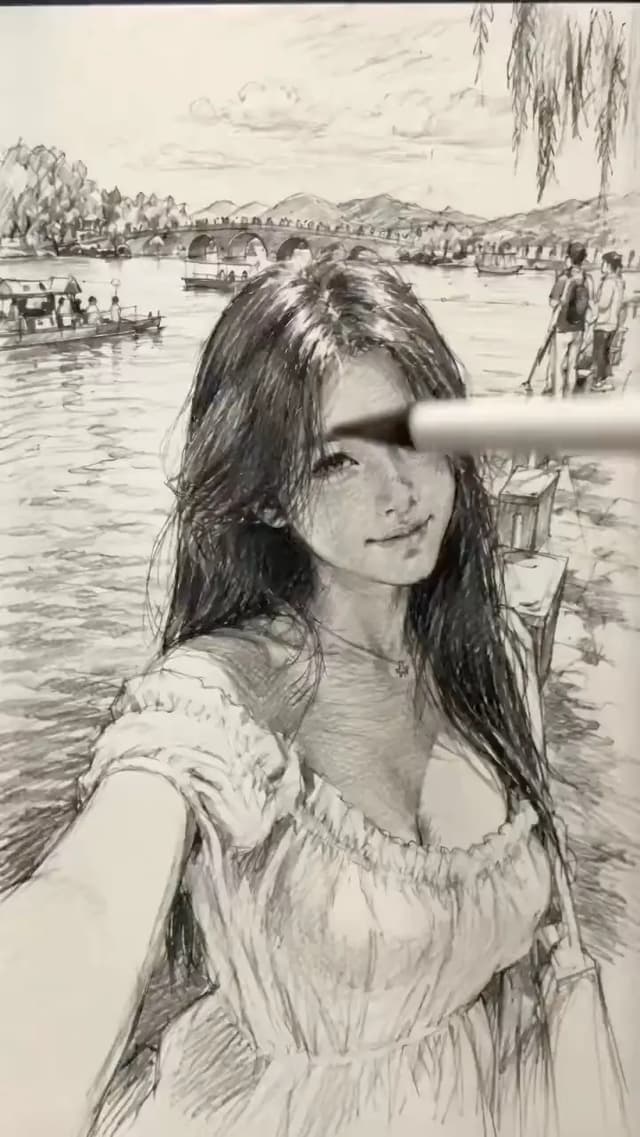
 @DeepBlue深藍
 @AKOS
@AKOS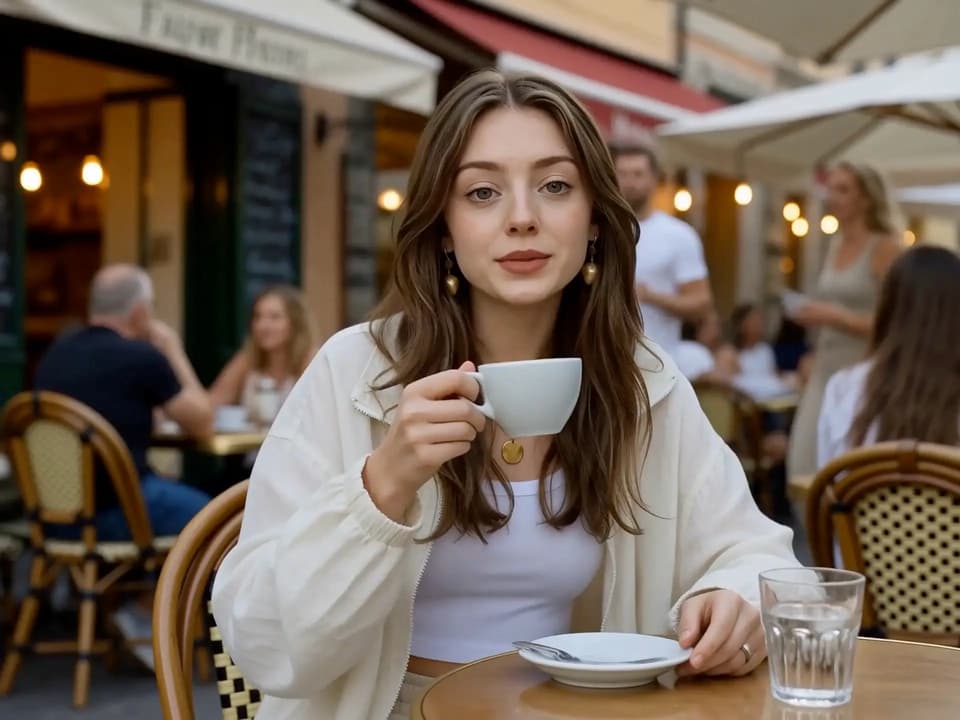
 @Calira
 @Shahid Wani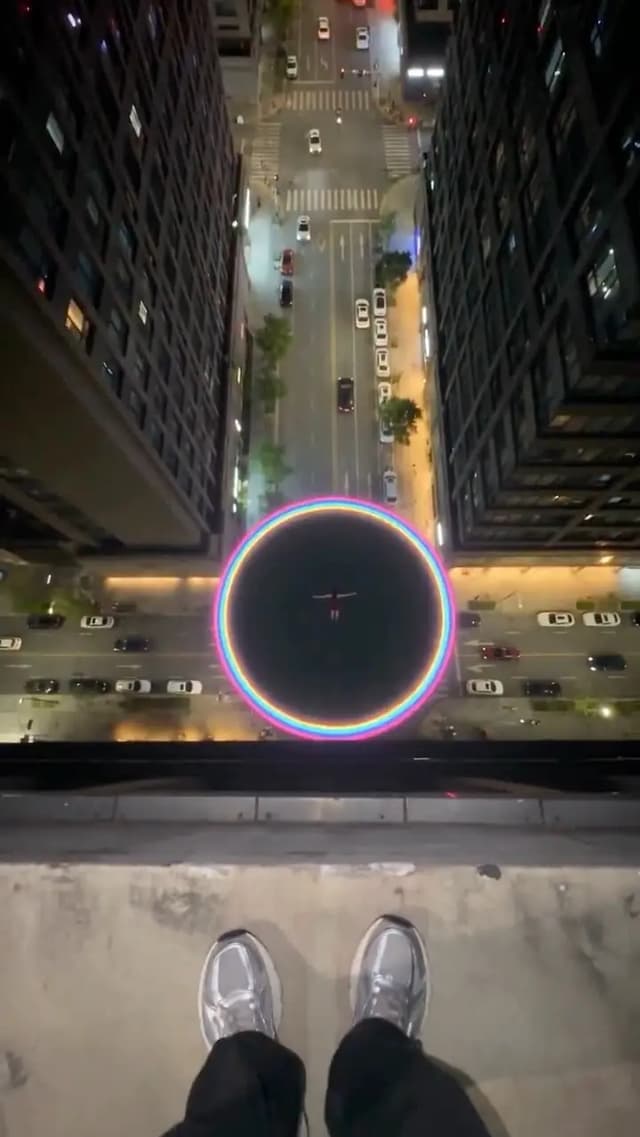
.webp) @John
@JohnAn AI video generator for the way ideas begin: a few words, a favorite image, or a scene you can already picture.
Describe a subject, setting, and action, and let Seedance build the scene. Add details about lighting, mood, or framing to steer the result toward your original idea.
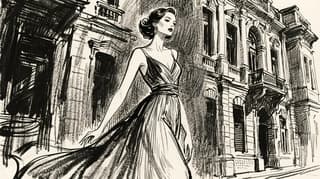
Animate a photo, illustration, or product image with Seedance. Your image sets the visual starting point; your prompt guides what moves and how the scene unfolds.
Give your subjects a sense of weight, rhythm, and expression. Guide anything from a quiet glance to a coordinated action sequence through clear movement cues.
Create visuals and sound together with Seedance AI. Describe dialogue, ambient effects, or music to help the audio follow the action and set the mood.
Go beyond a single prompt. Use references and shot direction to keep your characters, camera work, and story connected.
Show Seedance the look, movement, or sound you have in mind. Combine image, video, and audio references instead of describing every detail from scratch.
Guide with: Images · Motion references · Audio
Give your characters a recognizable look across changing shots. Reference images help preserve clothing, appearance, and other details as the action unfolds.
Keep coherent: Appearance · Clothing · Subject details
Direct a slow push-in, a tracking shot, or an orbit around your subject. Tell Seedance where to place the camera and how it should follow the action.
Try: Slow push-in · Tracking shot · Orbit
Build a short story from connected shots. Plan an opening, a change in action, and a closing detail so each scene has a purpose.
Sequence: Establishing shot → Action → Close-up
Use the AI video generator to explore a concept, prepare a pitch, or create footage for your next post.
Turn a quick idea into a vertical clip with Seedance AI. Experiment with visual hooks and short stories for TikTok or Instagram Reels.
Create: Vertical clips · Visual hooks · Short stories
Bring product photos to life with movement and a setting that suits your brand. Use Seedance to explore launch teasers, detail shots, and video ad concepts.
Create: Product videos · Launch teasers · Video ads
Build a visual pitch before committing to production. Turn campaign briefs into Seedance video concepts and compare different scenes, moods, or creative directions.
Create: Campaign concepts · Ad variations · Client pitches
Fill a gap in your edit with an establishing shot, an atmospheric insert, or illustrative B-roll. Start with a text description or still image.
Create: B-roll · Scene setters · Story inserts
Make an abstract idea easier to picture. Create short visual explanations with Seedance for lessons, course introductions, or demonstrations of a process.
Create: Explainer clips · Lesson visuals · Course intros
Test a scene before a shoot. Bring storyboards and character references into Seedance to explore framing, camera movement, and the flow between shots.
Create: Moving storyboards · Scene previews · Short films
Go from an idea to your first video request in three steps.
Describe what happens in your scene, including the subject and setting. For image-to-video, upload a starting image and explain how it should move.
Choose a Seedance model, then set the aspect ratio, duration, and resolution. Adjust the sound setting to suit your scene.
Review your prompt and click Generate. The time needed depends on the model and settings you select.
Compare the strengths of Seedance 2.5, 2.0, and 2.0 Mini to find the right fit for your next video.

Create longer, continuous scenes with precise reference control and flexible video editing.
Combine text, image, video, and audio references for expressive motion and synchronized sound.
Generate videos faster at a lower cost, ideal for testing ideas and creating everyday content.
The next generation of Seedance video creation.
Pricing
Choose a plan for your Seedance AI projects.
FAQ
Have more questions? Contact us at support@seedance3.lol.
Have a scene in mind? Start with a few words or an image and see where your imagination takes you.